
This question came from a member of the Persona community, a project admin who was trying to collect certain information without impacting the verification process. This is useful for those who want to understand or change which Inquiry Verification Checks are required.
If a Verification Check is required, it must be passed for an Inquiry as a whole to be marked “Completed.” Depending on your organization’s Persona plan, you may be able to adjust Verification Check requirements in your Inquiry Templates.
How can I see which Verification Checks are required for a given Inquiry Template?
-
Open the dashboard.
-
In the dashboard’s navigation bar, click Inquiries > Templates.
-
Select the Inquiry Template you’re interested in.
-
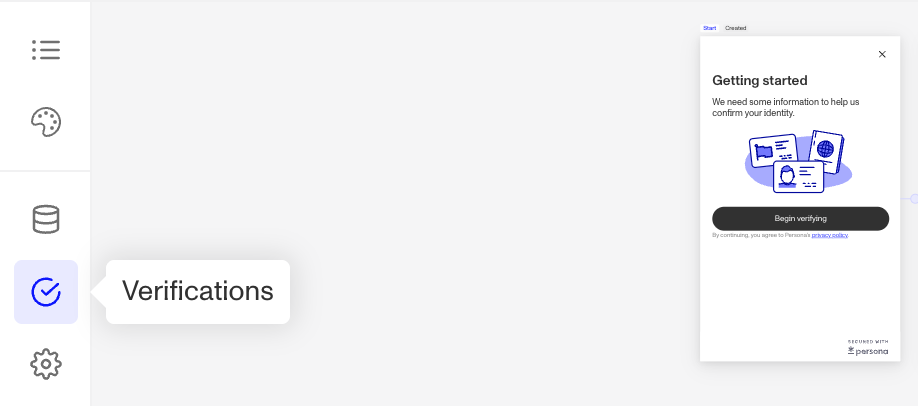
In the Inquiry Flow Editor, click on the Verifications icon in the left-hand sidebar.
-
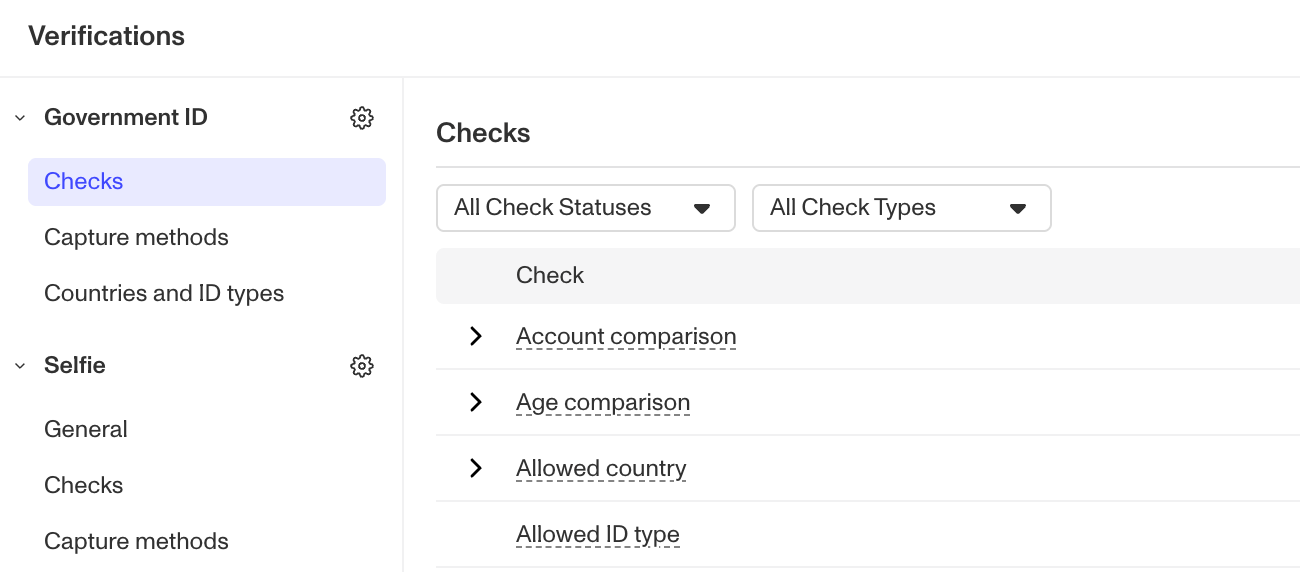
Under each verification method, navigate to the Checks section to view all of the checks run run for that method. The right-most Required column will have a checkmark if the Verification Check is required.
How can I change which Verification Checks are required for a given Inquiry?
You can modify which Verification Checks are required by following these steps:
- Open the dashboard.
- In the dashboard’s navigation bar, click Inquiries > Templates.
- Select the Inquiry template you’re interested in.
- Select the Verifications icon (check mark) in the left-hand sidebar.
- Under the verification method you’d like to edit, select Checks.
- Check or un-check the “Required” box for any Verification Check to adjust the verification requirements.
- Once you’re finished, click Save in the top right corner. You will need to Publish the revised template to use it.
This answer was reviewed by Justin Sayarath, a product manager at Persona. FAQs, unlike other articles, are written to provide Persona Community members more specific answers to common questions. While we periodically review responses and answers, please note when this FAQ was last updated as information may have changed since then.