
Overview
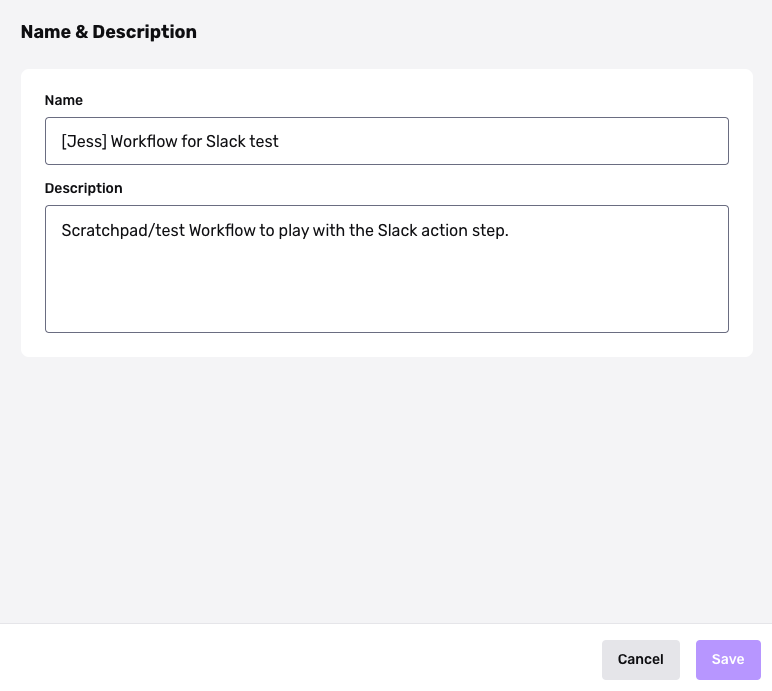
Each Workflow has a name and description field.
Use these fields to document and communicate the purpose of each Workflow—for teammates, and for yourself.
Steps
-
Navigate to the All Workflows page.
-
Select Edit on a Workflow.
-
On the Workflow Editor page, select the config icon in the upper right.

-
In Configurations, select the Name & Description section.
-
Enter a name and description.
-
Click Save.