
What is the Account Button component?
The Account Button is an Account component that can be added to an Account layout. Accounts that are created from this Account Type provide reviewers with an interactive element. When users click it, it can trigger an Account Action. You can also customize the component’s appearance, function, and define logic that governs when it appears.
How do you add a Button component?
-
Navigate to the Dashboard, and click on Accounts > Types.
-
Find and click on the Account type you want to edit, or Create type.
-
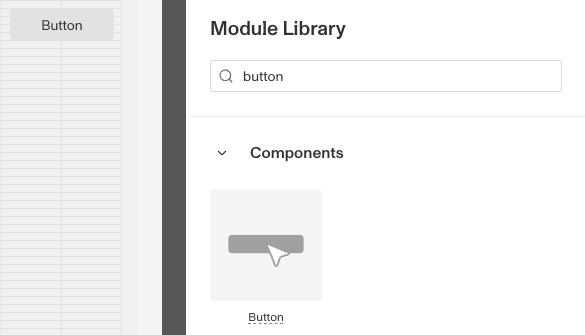
In the Layout Editor, navigate to the Tab you want to add the component to. Click an empty space to view the Module Library.
-
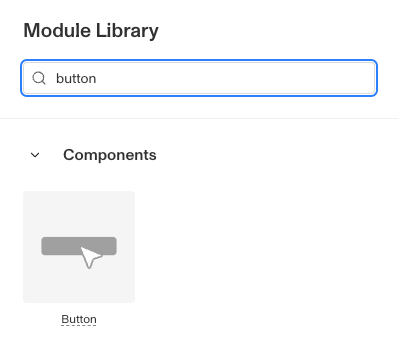
In the right toolbar, search for ‘Button.’
-
Drag and drop the Button component into your Account layout and reposition it by dragging it around.
-
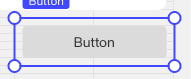
Click on the Button. On the right toolbar, you can customize the Button component:
-
Under Settings > Name, you can change the text displayed on the Button.
-
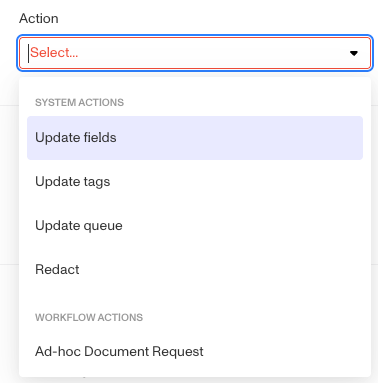
Under Settings > Action, you can change the action the Button completes when clicked.
-
Under Styling, you can set the Button color
- Default: The most common button style (Gray)
- Primary: To highlight important actions. (Blue)
- Critical: For actions that will delete data or be difficult to recover from. (Red)
-
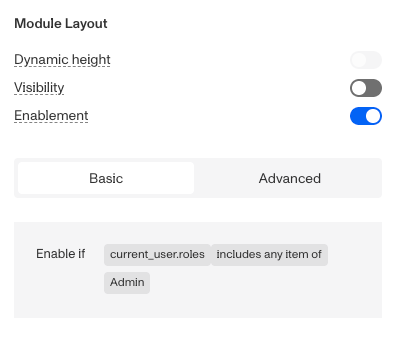
Under Module Layout, you can change:
-
Dynamic height: Module will grow or shrink to fit its contents.
-
Visibility: Dynamically control whether the module is hidden. This lets you set conditions for when the module should be displayed or hidden from view based on your requirements. You can read more about Visibility Configuration here.
-
Enablement: Dynamically control whether the button can be clicked. Set conditions with Enable if. When the conditions are not met, the button is still shown but is disabled.
-
-
-
Click the “Delete” button if you want to remove the component from the Account Layout.
Plans Explained
Account Button component by plan
| Startup Program | Essential Plan | Growth Plan | Enterprise Plan | |
|---|---|---|---|---|
| Account Button component | Available | Available | Available | Available |