
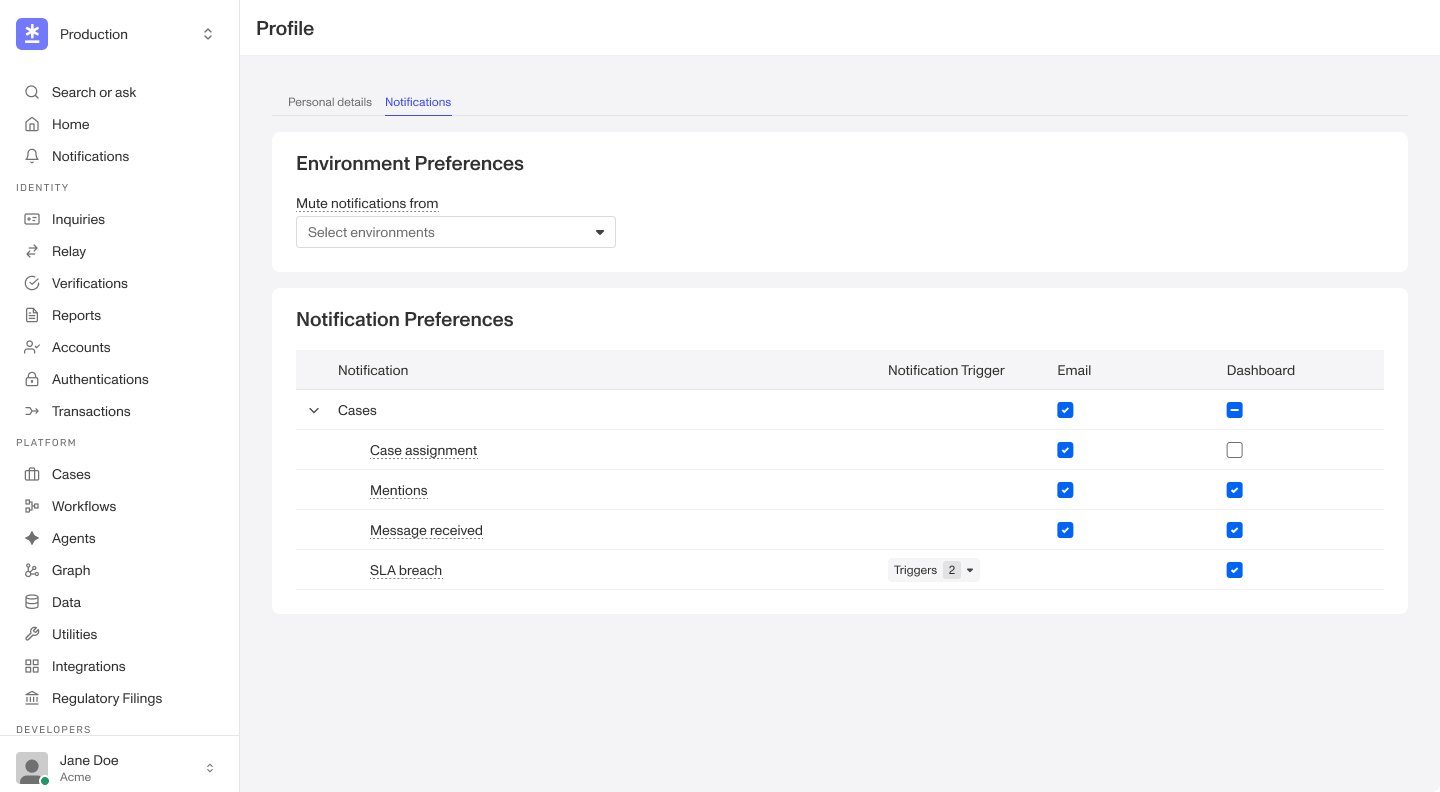
To manage your notifications, including opting in or out of certain notifications:
- Click your profile image > Profile.
- Go to the Notifications tab.
- Opt-in or out of certain notifications by checking or unchecking the in-app and email checkboxes.
- Use
+ Notification triggersto create custom SLA breach notifications.- These allow you to define when you want to be notified if an SLA is late or a set amount of time passes.
- The system prevents you from creating a duplicate triggering rule to avoid multiple pings for the same trigger.
Set environment preferences

You can also customize which environment you want to receive notifications from. For example, if you only want notifications from the production environment, mute notifications from the sandbox environment to keep the notification hub clean.
Each notification in the hub also indicates which environment it’s coming from.