
This question came from a member of the Persona community, a founder of a fintech startup who was, at the time, coming to the end of a trial. This is useful for those looking to change their existing plan or are currently in a trial and would like to move forward with a plan.
Question
I’m a member of the Startup Program and I love using Persona for my business. And now I’m wondering how I can change my plan?
Answer
Hi there! It’s been awhile since we last chatted, and it’s so great to hear that your startup is growing quickly and that Persona has been a small part of that journey.
To proceed with the Startup Program or the Essential Plan, you can
-
Go to your Persona Dashboard > Organization > Billing
-
Choose the Essential Plan or scroll to the bottom and apply to the appropriate Startup Program cohort
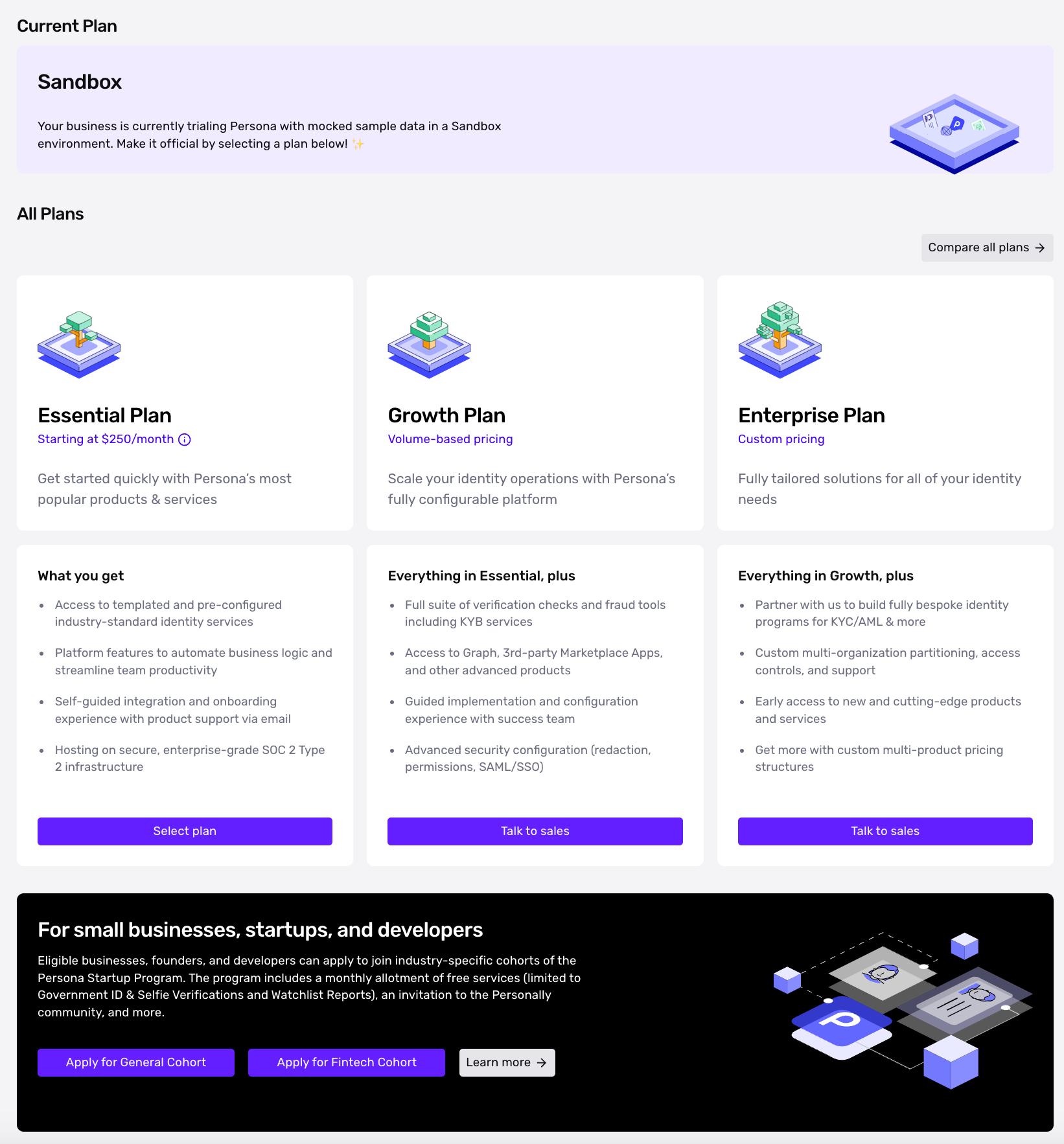
To proceed with the Growth Plan or Enterprise Plan, you can:
- Go to withpersona.com/contact to reach out to the Persona Sales team
This answer was reviewed by Justin Sayarath, a product manager at Persona. FAQs, unlike other articles, are written to provide Persona Community members more specific answers to common questions. While we periodically review responses and answers, please note when this FAQ was last updated as information may have changed since then.