
This question came from a member of the Persona community, a compliance leader who was trying to understand how best to revert a set of changes. The question covered both Inquiry Templates and Workflows; this answer covers Inquiry Templates. For Workflows, see How do I revert to a previously published Workflow Version?.
Revert an Inquiry Template by restoring an older published version from its version history and publishing it. This is what to do when a change leads to unexpected issues and an earlier published version contained the configurations, experiences, and steps you want end users to see again.
Before you begin
Make sure you have the privileges to publish a change to an Inquiry Template. By following these steps you can self-serve this fix and reduce your product’s downtime.
- Go to Dashboard > Team > Roles > Your Role > Products.
- Under Inquiries, ensure that the Edit option has been enabled.
Reverting an Inquiry Template
-
Select the Inquiry Template: Choose the one you’d like to modify.
-
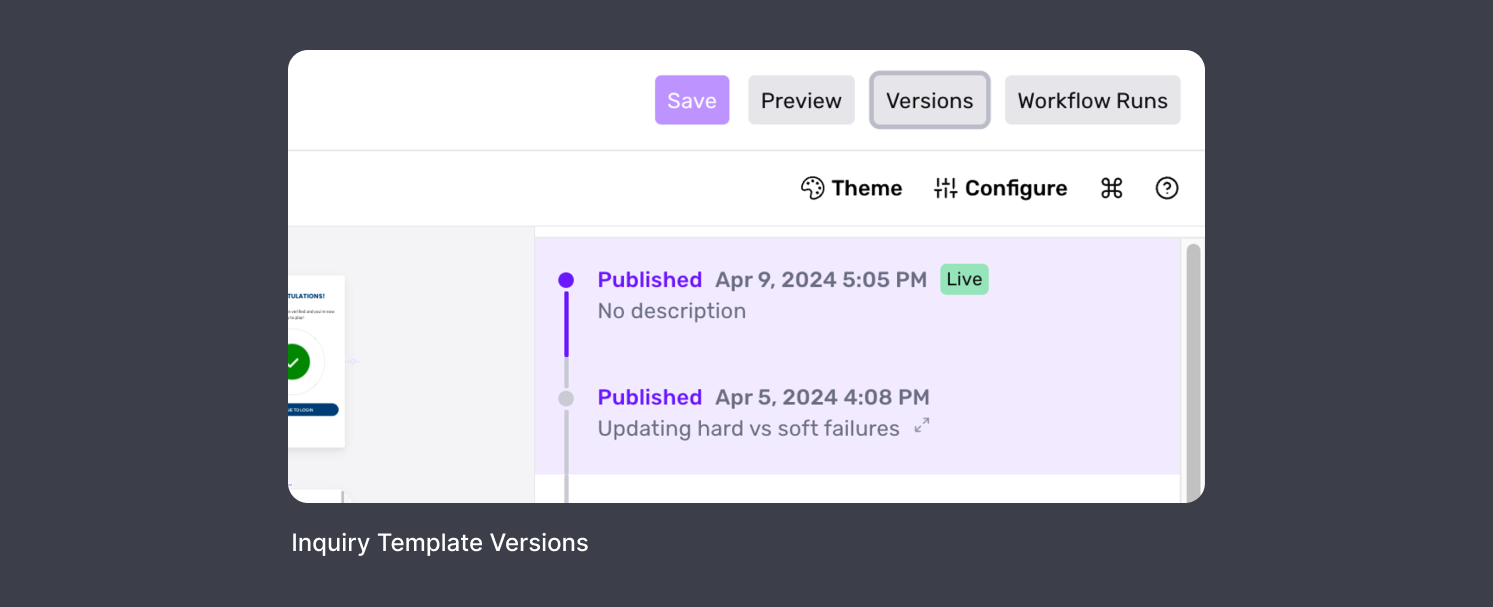
Access Versions: Click the Versions button on the top bar. This will open a history tab on the right side of the screen displaying each published version.
-
Preview Older Version: Click on the desired version to load it in view-only mode.
-
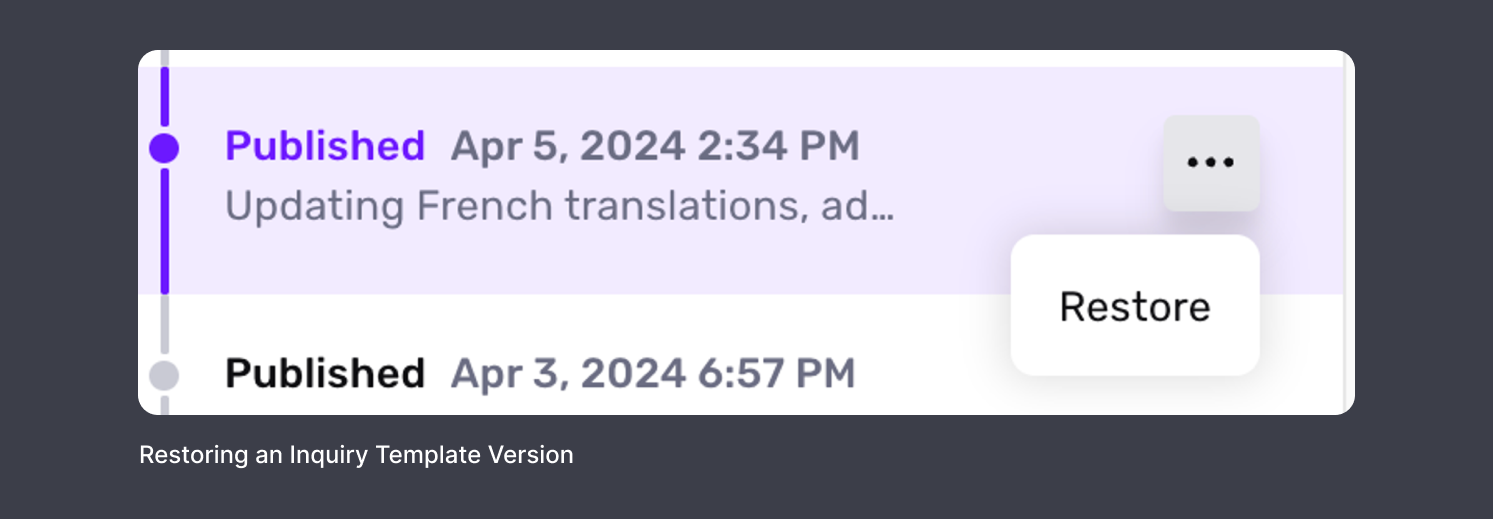
Initiate Restoration: In the history tab, click the More Options button next to the selected version, then click Restore.
-
Publish the Restored Version: You will now see the Inquiry Template in view-only mode with a Publish button at the top bar. Click Publish.
-
Confirm: A popup will appear, asking if you would like to “Create new draft from restored version?”. Optionally, provide a reason for the change in the input box, and click Save.
For how Inquiry Template versions are drafted, published, and tracked over time, see Inquiry Template Versions and Change Management.
This answer was reviewed by Justin Sayarath, a product manager at Persona. FAQs, unlike other articles, are written to provide Persona Community members more specific answers to common questions. While we periodically review responses and answers, please note when this FAQ was last updated as information may have changed since then.