
This question came from a member of the Persona community, a developer who wanted to change the default phone number country for device handoff to Canada.
By default, the country code for an Inquiry’s phone number component is set to the United States.
You can change the default country code for an Inquiry template by following these steps:
-
Open the Dashboard.
-
Click on Inquiries > Templates.
-
Click on the Template you want to edit.
-
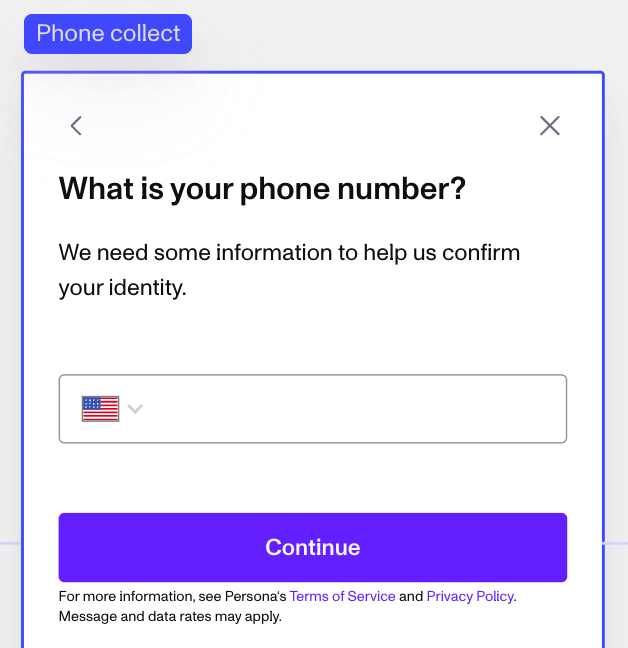
In the flow editor, find or add a Module that collects a user’s phone number.
-
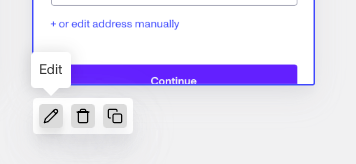
Click the Edit button.
-
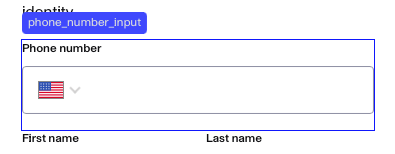
Click on the Phone Number field, where a user would enter their phone number.
-
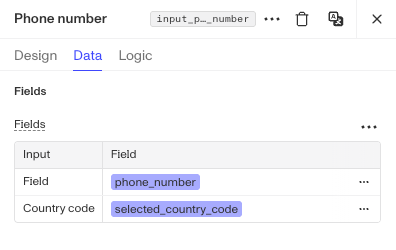
In the popup panel on the right, click Data in the toolbar.
-
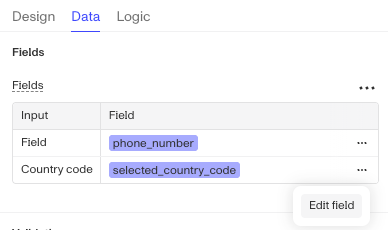
At the right of the “Country code” field, click 3 dot icon and then select Edit field in fields table.
-
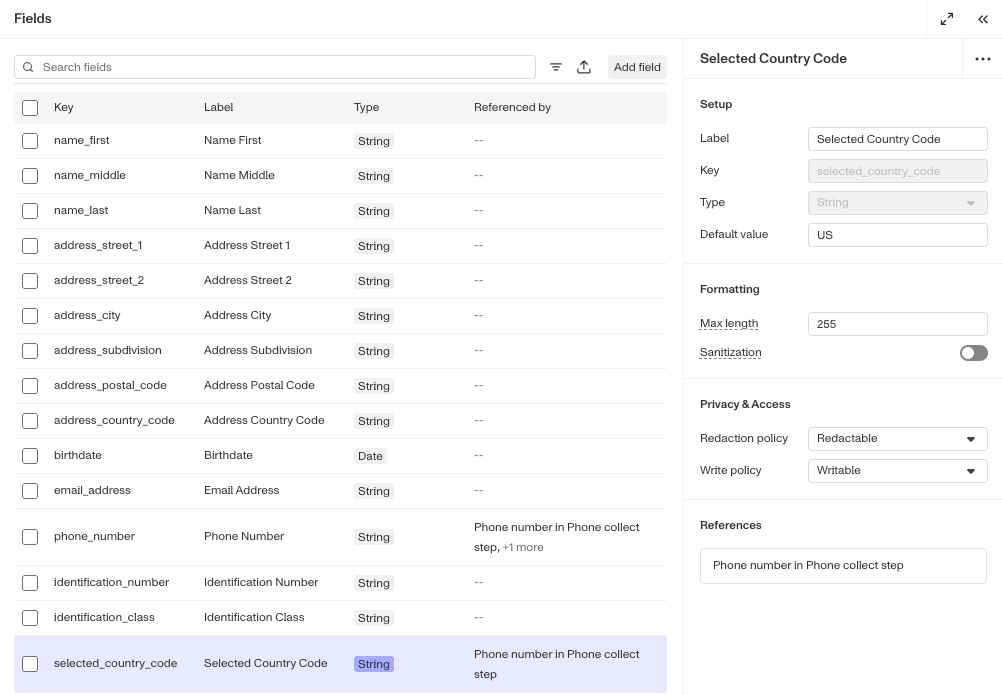
Within the Field Editor open to the “Selected Country Code” field, you can find the “Default value” field in the Setup section.
-
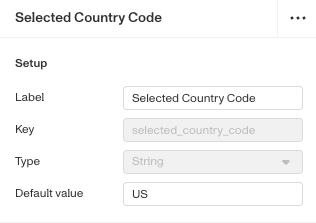
In its menu, change the Default value to the two-letter country ISO code that corresponds to your desired default country choice. For example, Canada is represented by CA.
-
In the top right corner, Save the Template, then Publish it.
The default country code will now be changed in that module’s phone number field. In the template preview, the Module will still display a US flag, but the property has been updated.
This answer was reviewed by Justin Sayarath, a product manager at Persona. FAQs, unlike other articles, are written to provide Persona Community members more specific answers to common questions. While we periodically review responses and answers, please note when this FAQ was last updated as information may have changed since then.